Skip to content
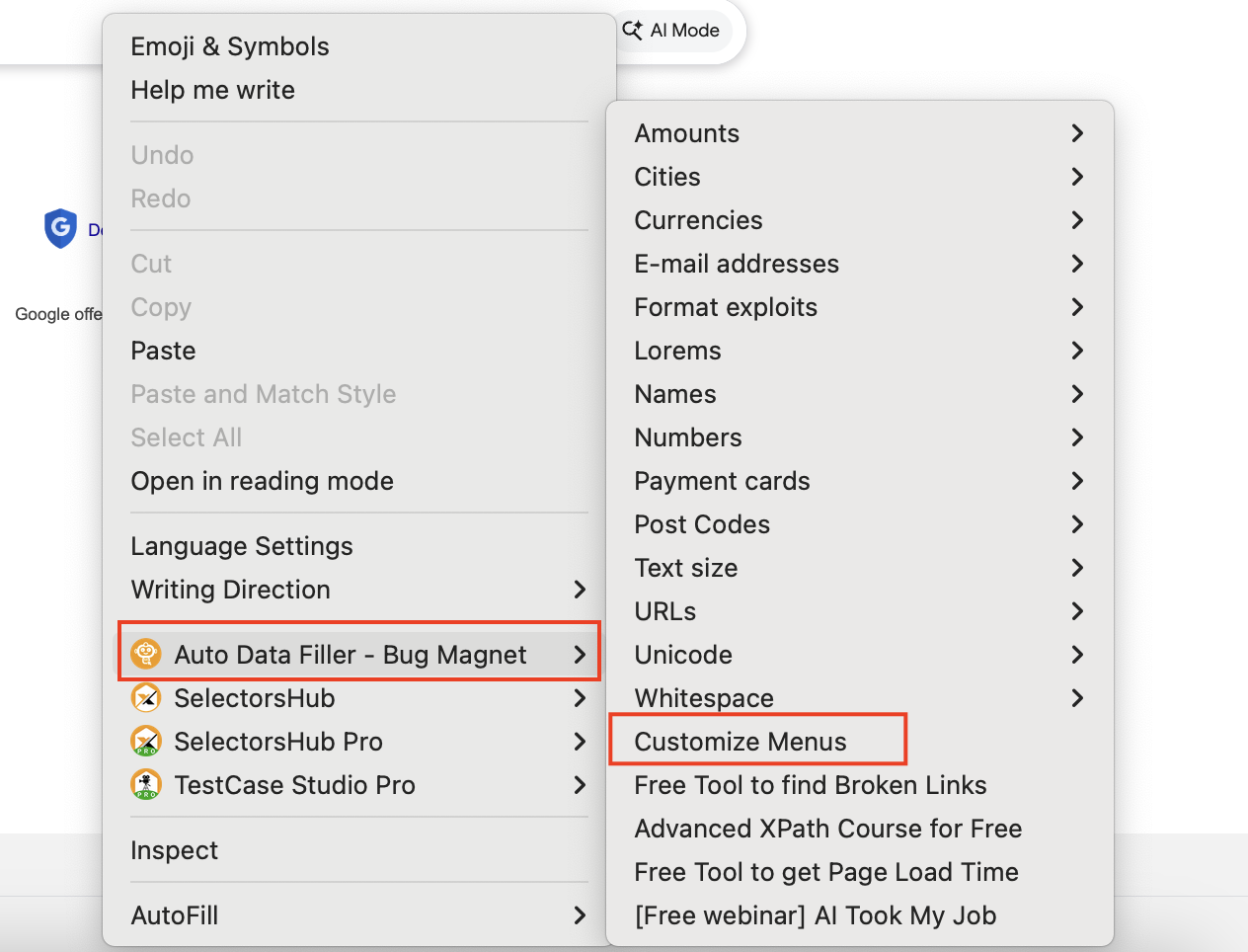
- Right click on any input or text area field.
- Move cursor to Auto Data Filler in context menu and click on Customize Menus and it open the customize page in new tab.
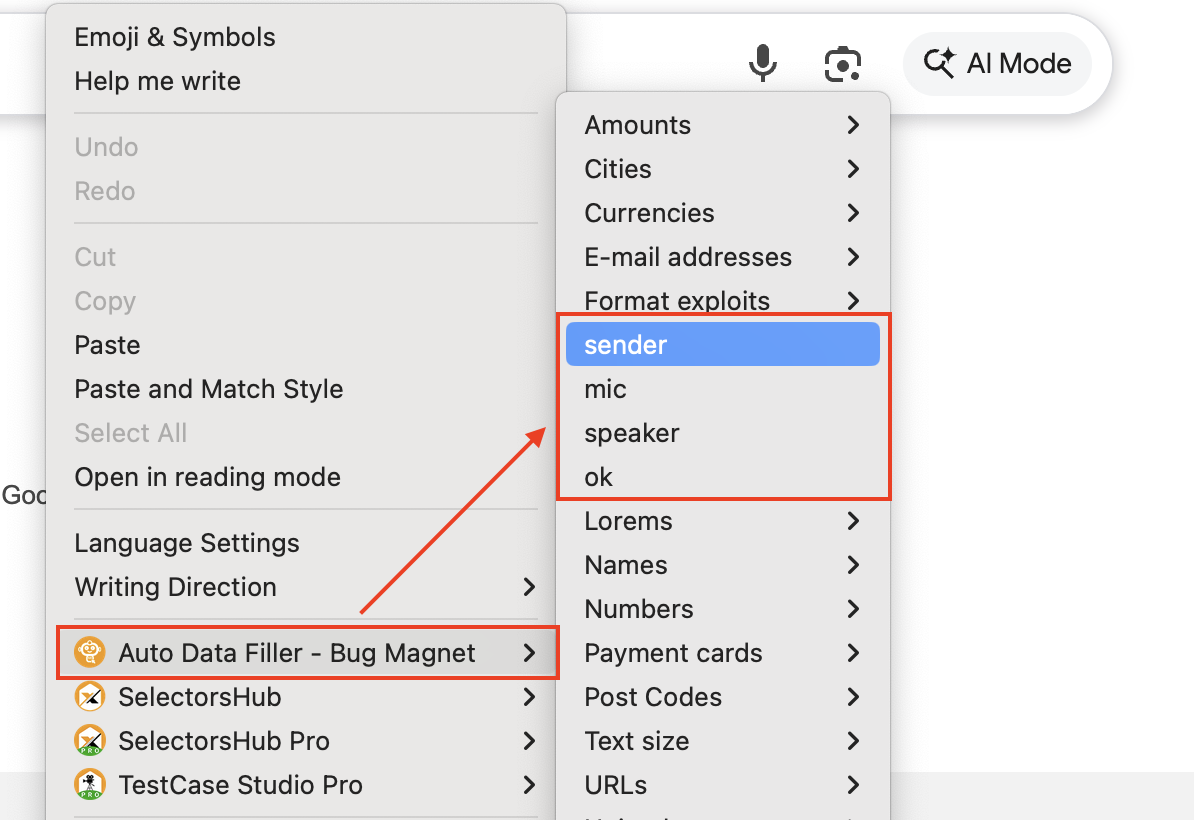
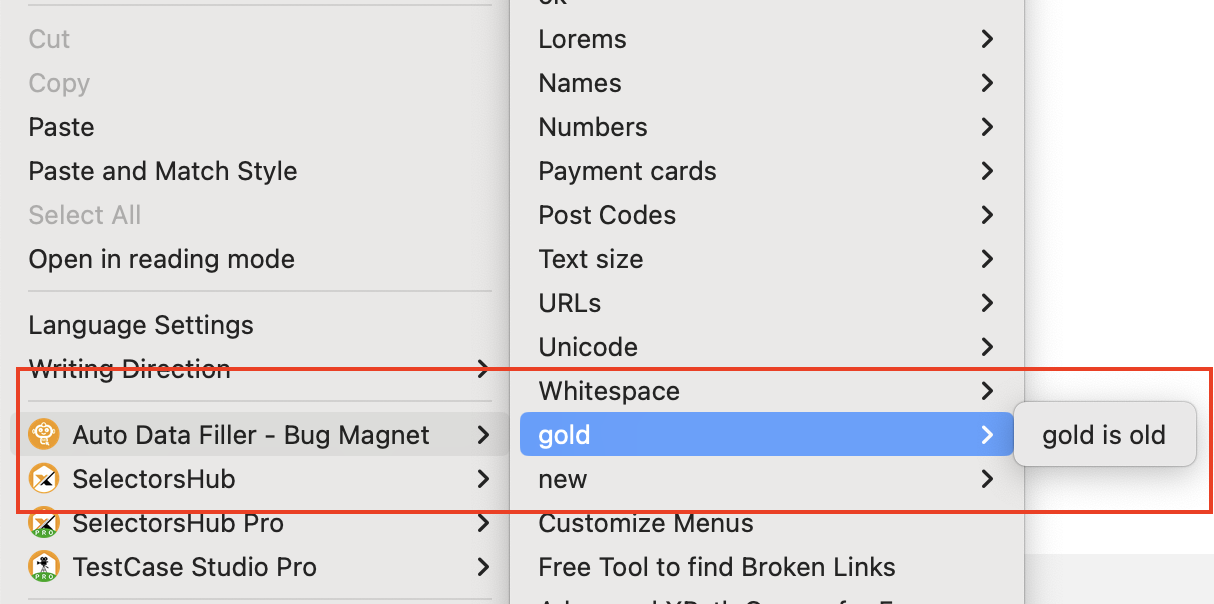
- Here in customize tab you can edit and update the default Auto Data Filler context menu options as well as you can add new options as per your json data.
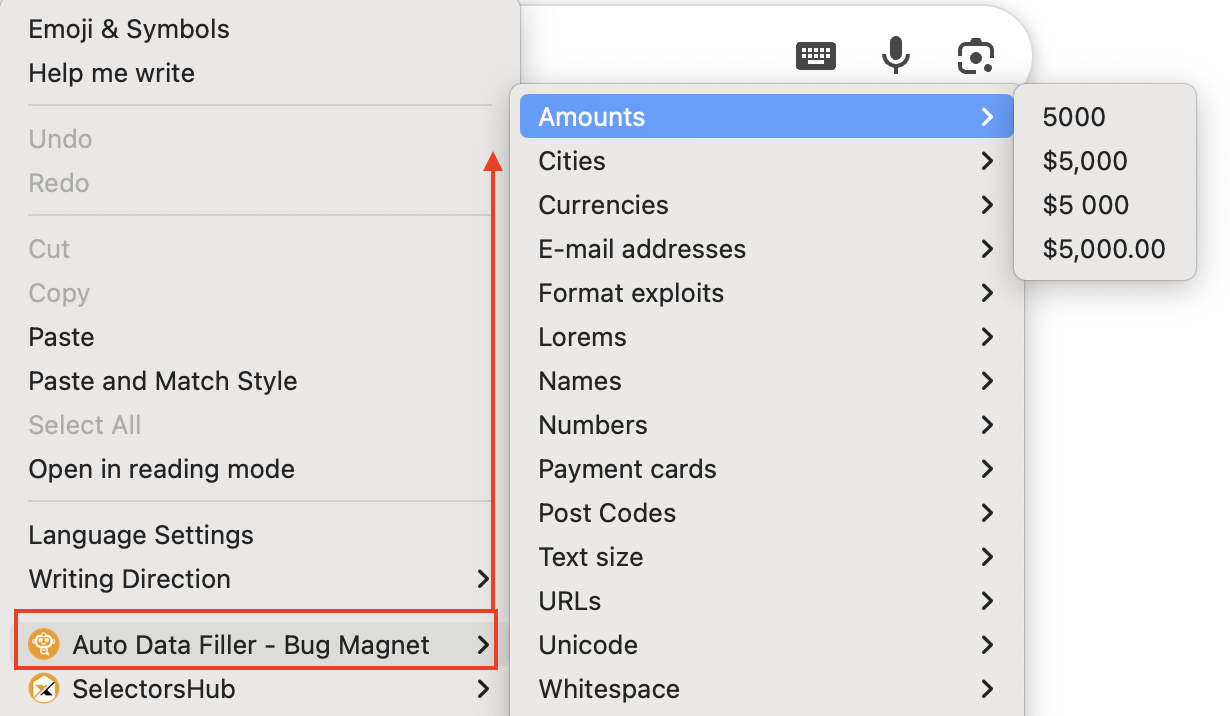
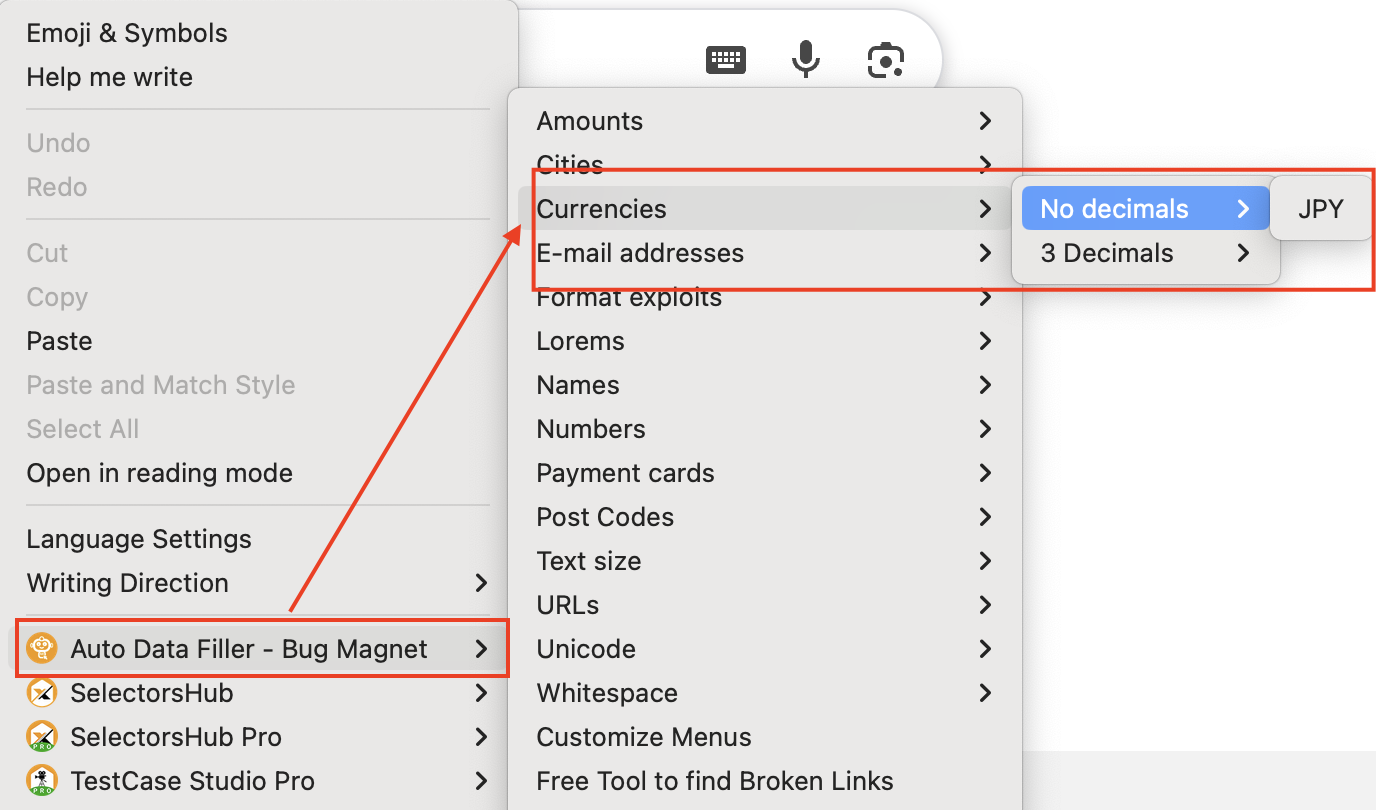
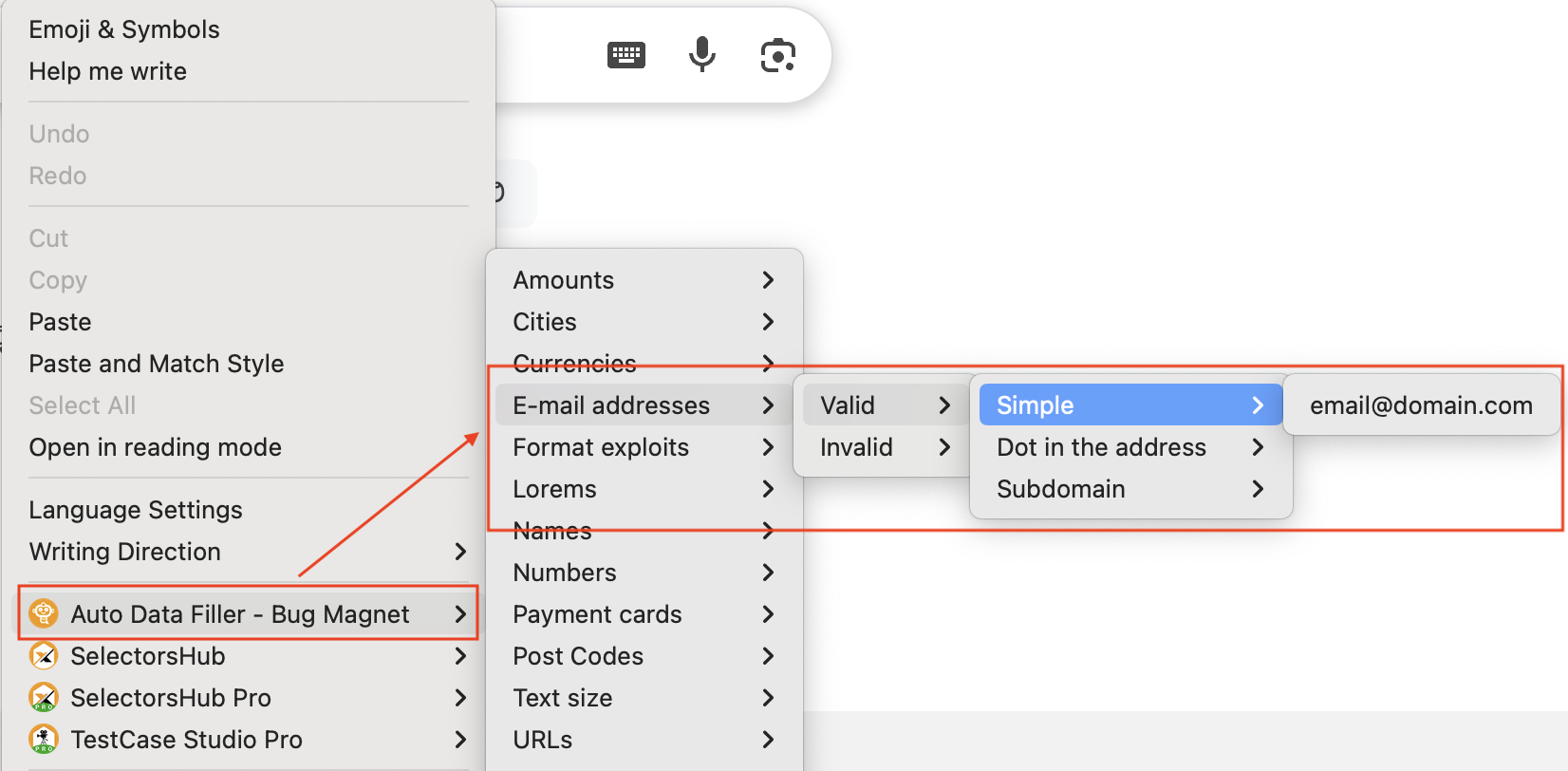
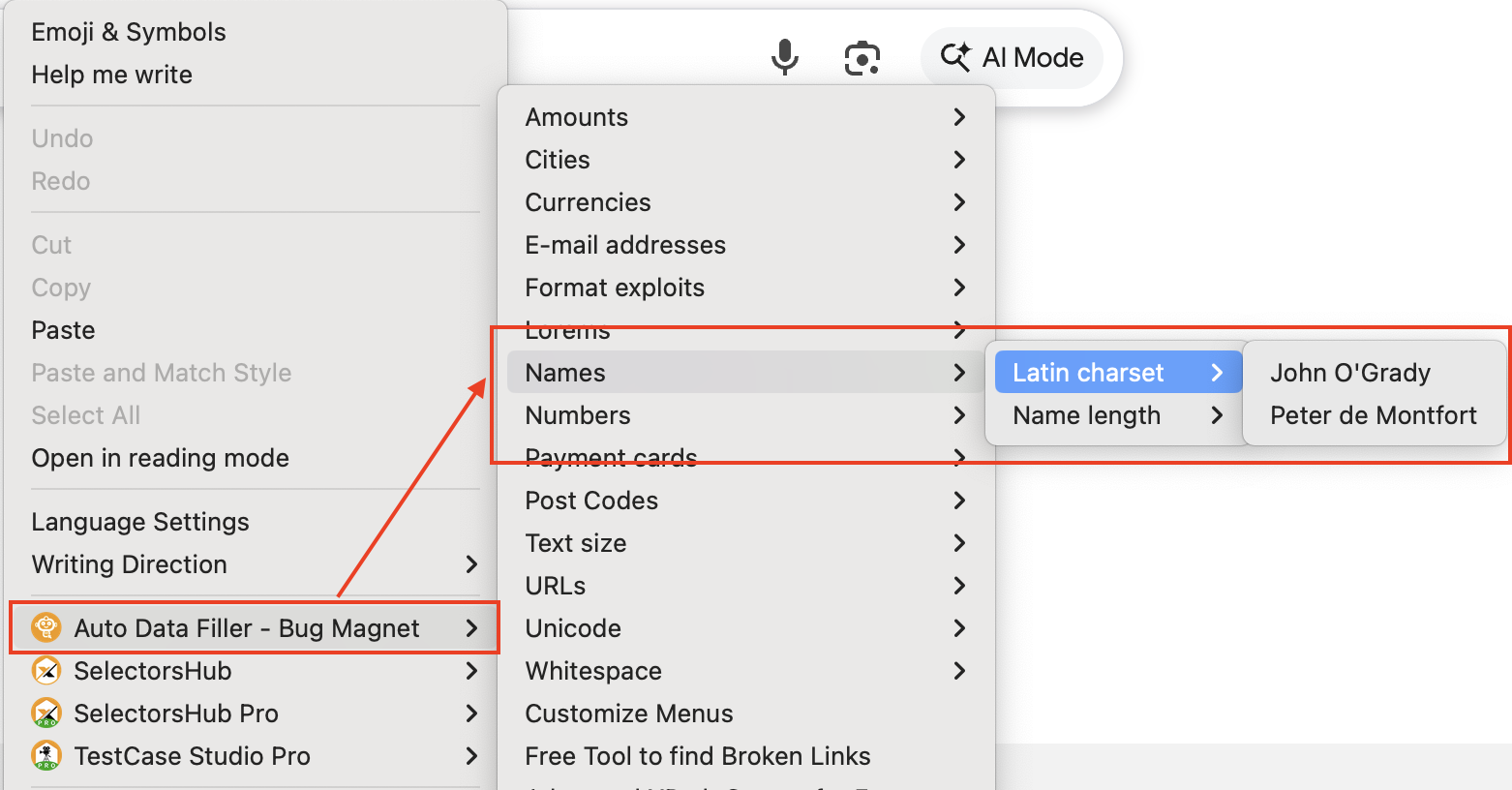
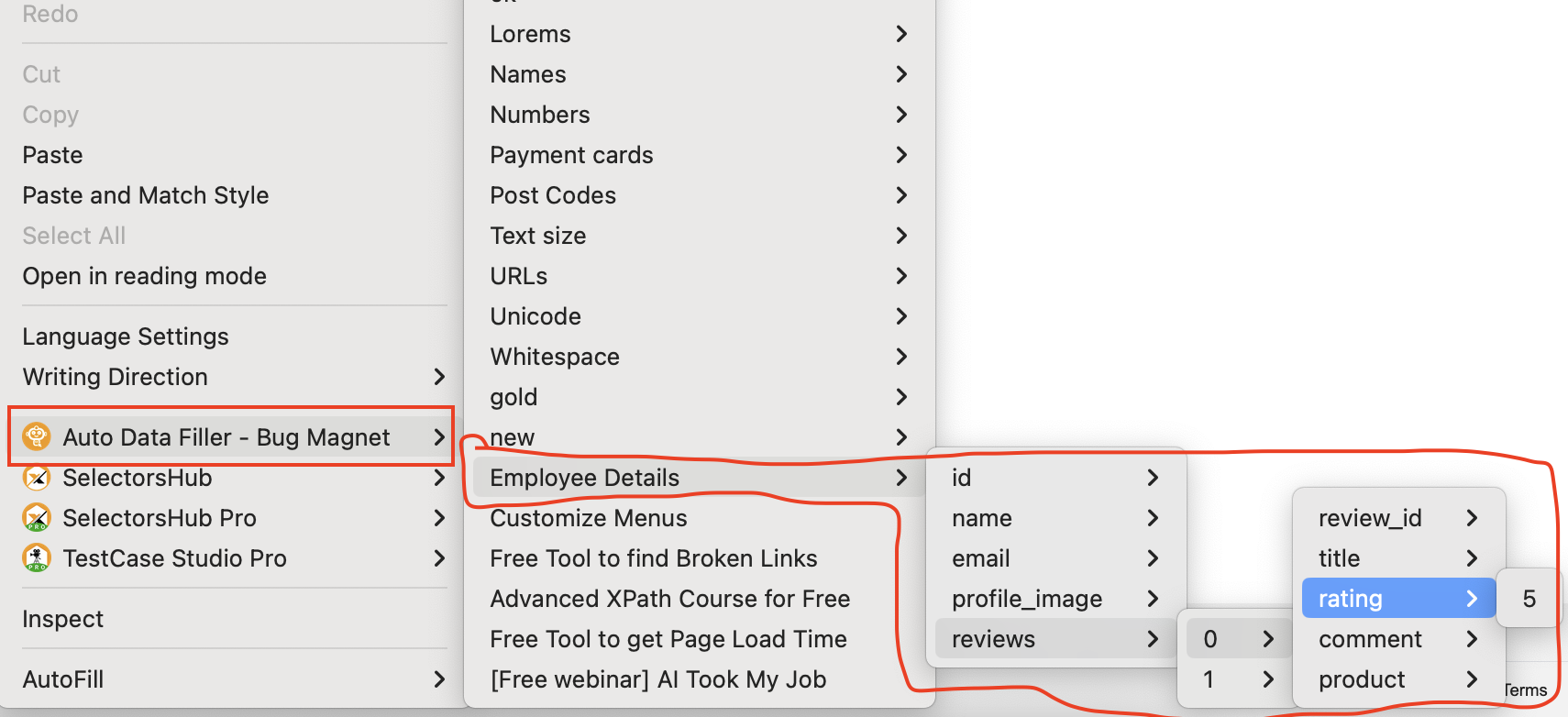
- Below we have provided some sample json, you can refer them for example and see how the context menu will appear with that particular json.
- Kindly follow the below tutorial for more details with live demo.
Sample JSON
Preview in Context Menu
Sample JSON
Preview in Context Menu
Sample JSON
Preview in Context Menu
Sample JSON
Preview in Context Menu
Sample JSON
Preview in Context Menu
Sample JSON
Preview in Context Menu
Sample JSON
Preview in Context Menu